![Vapaus_Favicon.png]](https://www.vapaus.io/hs-fs/hubfs/Vapaus_Favicon.png?width=50&height=50&name=Vapaus_Favicon.png)
Create your Vapaus account
You need a Vapaus account to order your benefit bike. Here's how to set it up:
Step 1: Start registration
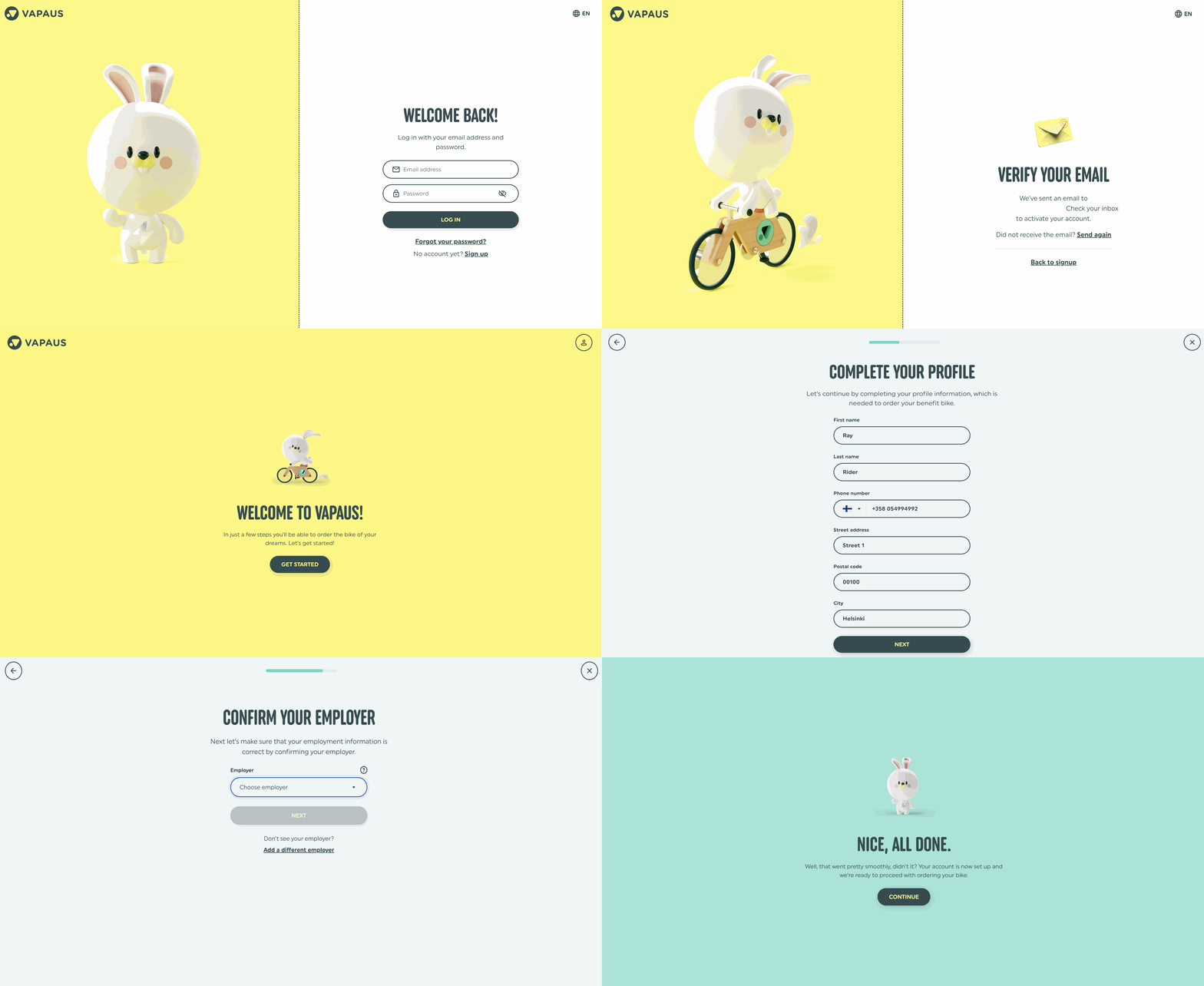
Go to user.vapaus.io and click "No account yet? Sign up"
You can change the language from the upper right corner if needed.
Step 2: Enter your details
Enter your email address and create a strong password (at least 10 characters).
Email options:
- Use your work email address (preferred)
- Or use your personal email address if you don't have work email
Accept the terms of service, then click "Create Vapaus account"
Step 3: Verify your email
You'll receive a confirmation message at the email you provided.
Click the "Verify my email" link in the message. The link is valid for 48 hours.
Without email verification, you cannot order a bike.
Important: Add a personal or secondary email to your account. This way, you can still log in if you change jobs.
Step 4: Select your country
The system guides you next. Click "Get started"
Select your country from the menu.
Step 5: Confirm your employer
Choose from the list or if your employer doesn't come up, confirm via Business ID or with your work email.
Step 6: All done
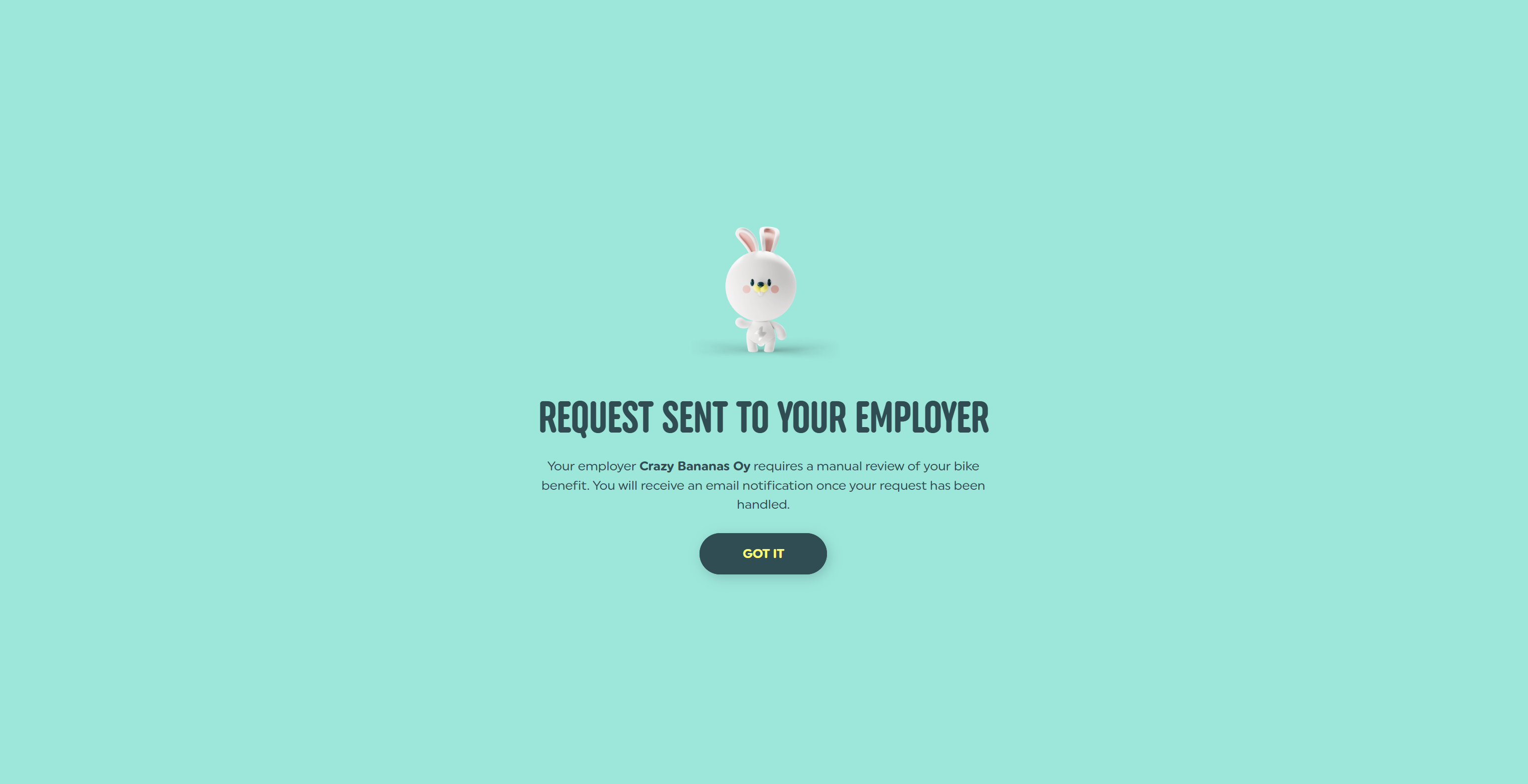
Depending on the employer's benefit request settings, you may be able to order a bike right away or wait until your request is approved by your employer.